
AI Tools Built for Rental Businesses
Get answers. Update leads. Review changes. Keep your team moving.
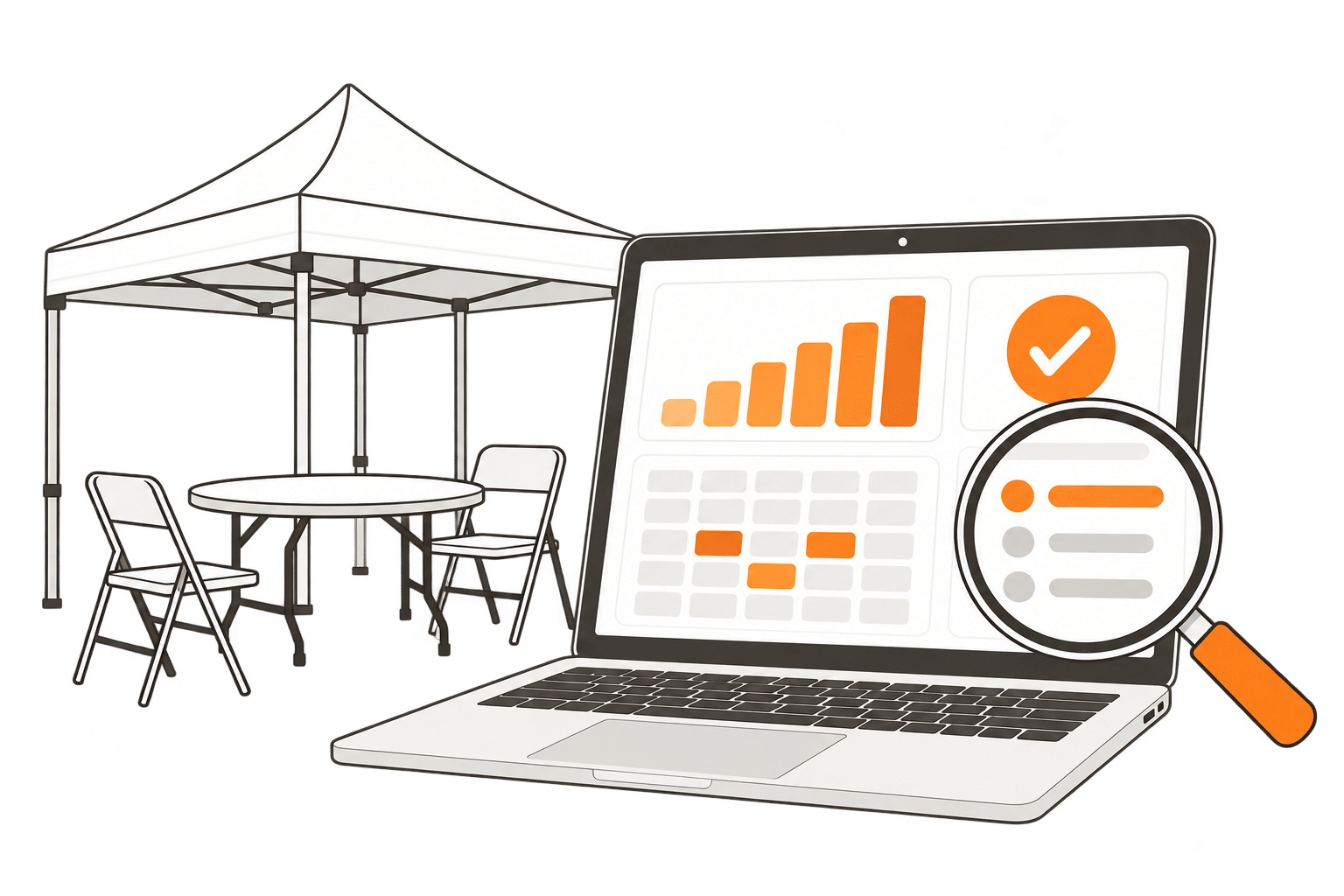
Get answers from your business data
Ask plain-English questions about events, customers, inventory, and payments. Find relevant records and software guidance without knowing exactly where to look.
- Check deposits, balances, and payment trends.
- Look up upcoming events and booked equipment.
- Find help, settings, and links to related records.
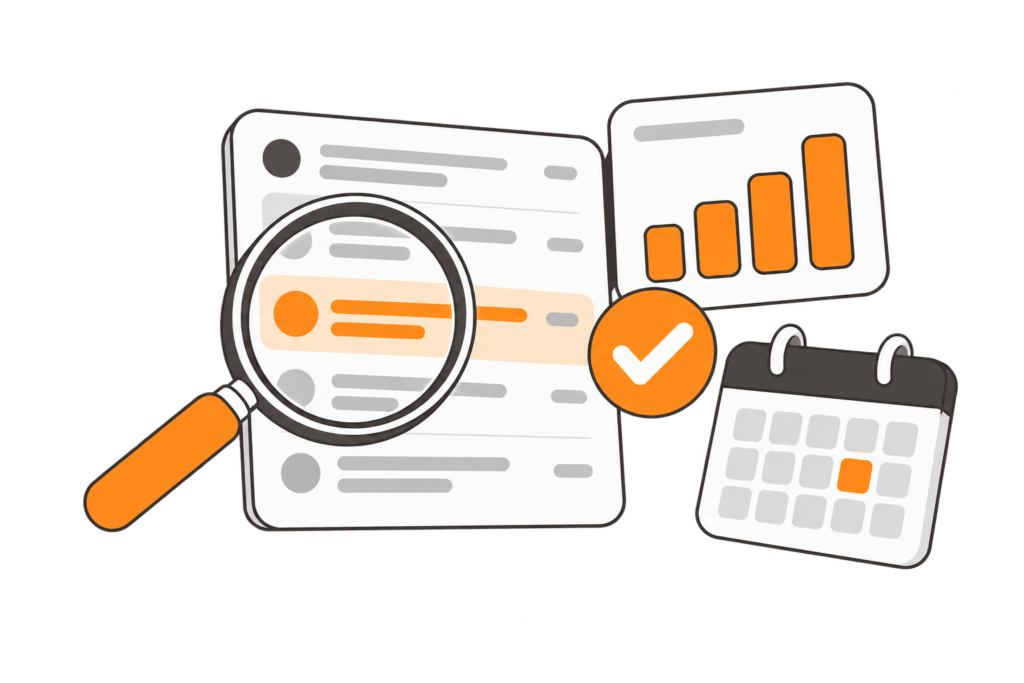
Move leads from inquiry to quote
Create and update leads through chat using event details and equipment needs. Preview quote changes and review the details before confirming updates or sending customer communications.
- Create leads with dates, times, locations, and equipment.
- Check item pricing and availability for an event.
- Preview how swaps or additions affect the quote total.
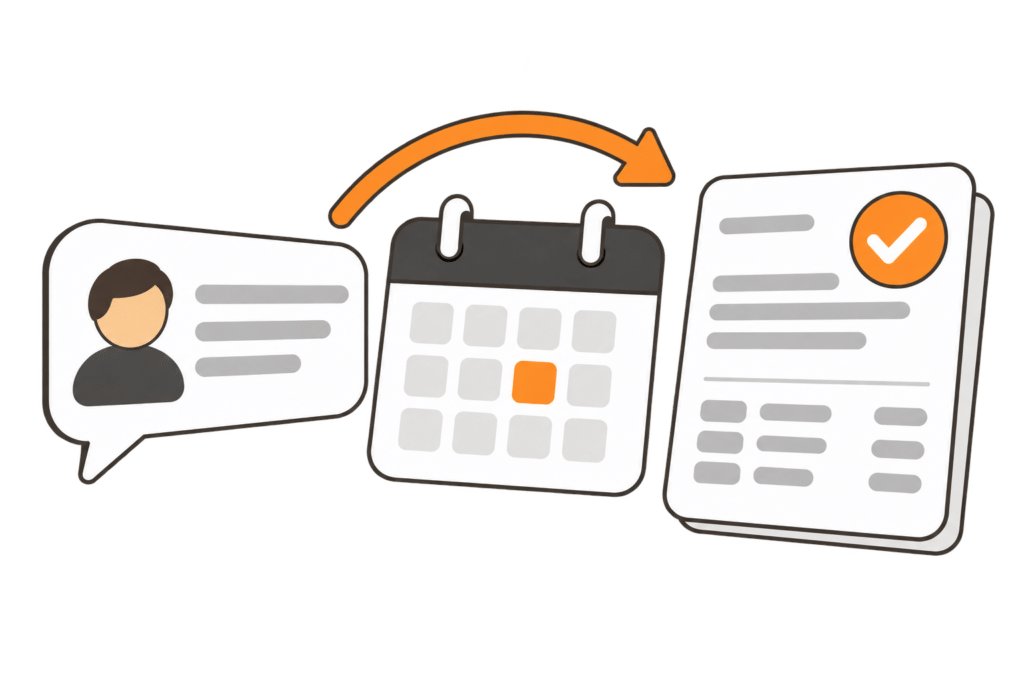
Update your inventory with less repetition
Request changes to supported inventory details, from descriptions and prices to categories and quantities. Review grouped bulk edits and approve multiple changes together.
- Refresh item descriptions and seasonal wording.
- Update prices, categories, and quantities.
- Review and approve proposed changes in one step.
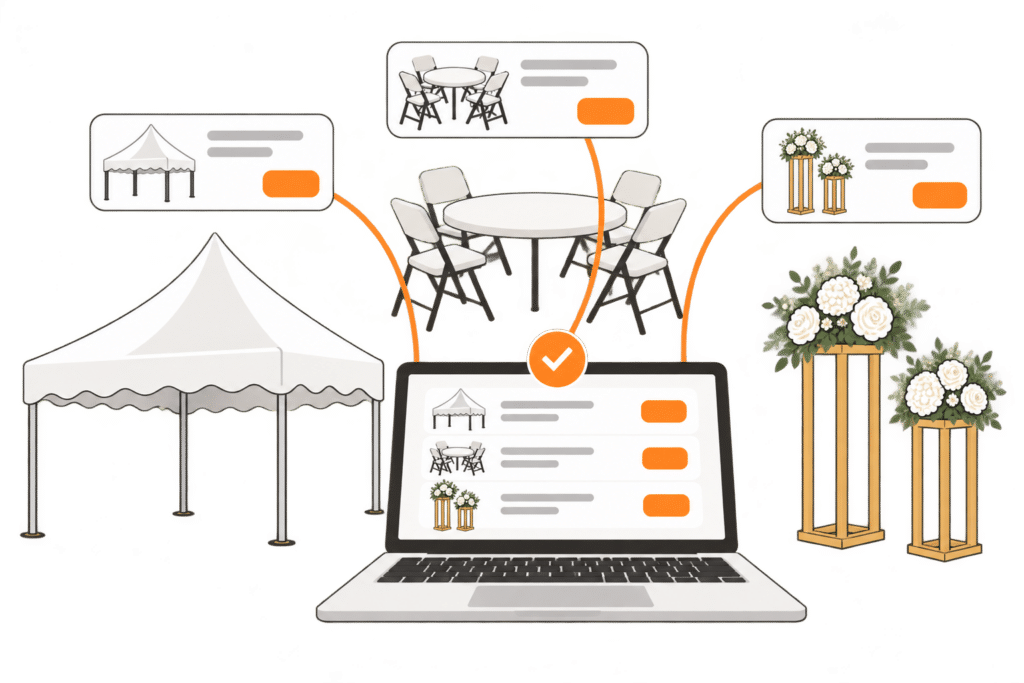
Draft and update your website
Draft page changes on compatible AI-generated WordPress sites and review them in a private preview. With the required access and tools enabled, approve publication through chat.
- Preview page changes before publishing.
- Generate product and category descriptions from item information.
- Update menu items with supported tools.

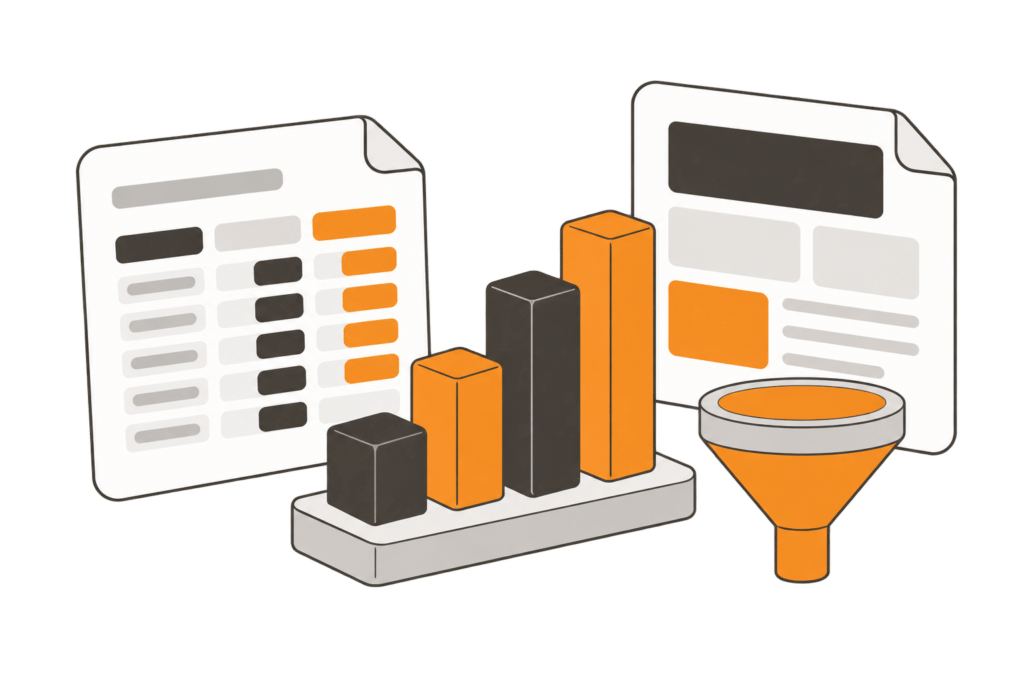
Build the reports and templates you need
Describe the records you want to see to create a filter or lead report with useful columns. Request supported template updates and test changes before using them in daily work.
- Build reports for events, balances, and other lead details.
- Create filters to find the records your team needs.
- Update supported email, quote page, and contract templates.
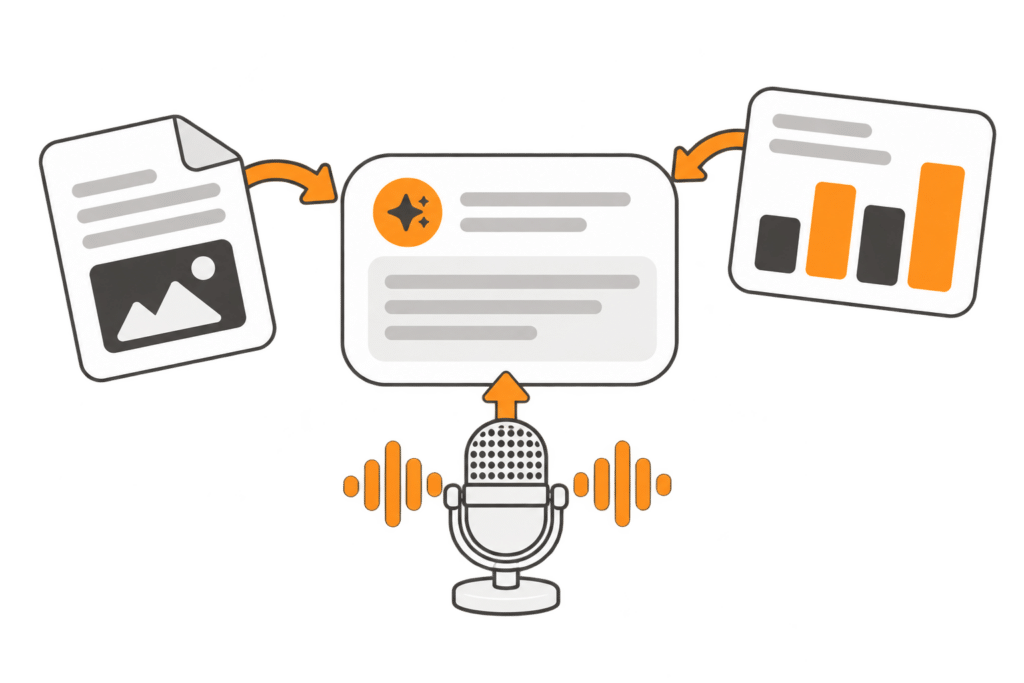
Give the Assistant more context
Share files, screenshots, and dictated requests to help the Assistant understand your work. Turn training videos into text documentation and manage agent guidance in one place.
- Attach files or paste and drag in screenshots.
- Dictate requests, then review the text before sending.
- Create training documentation and manage agent instructions.
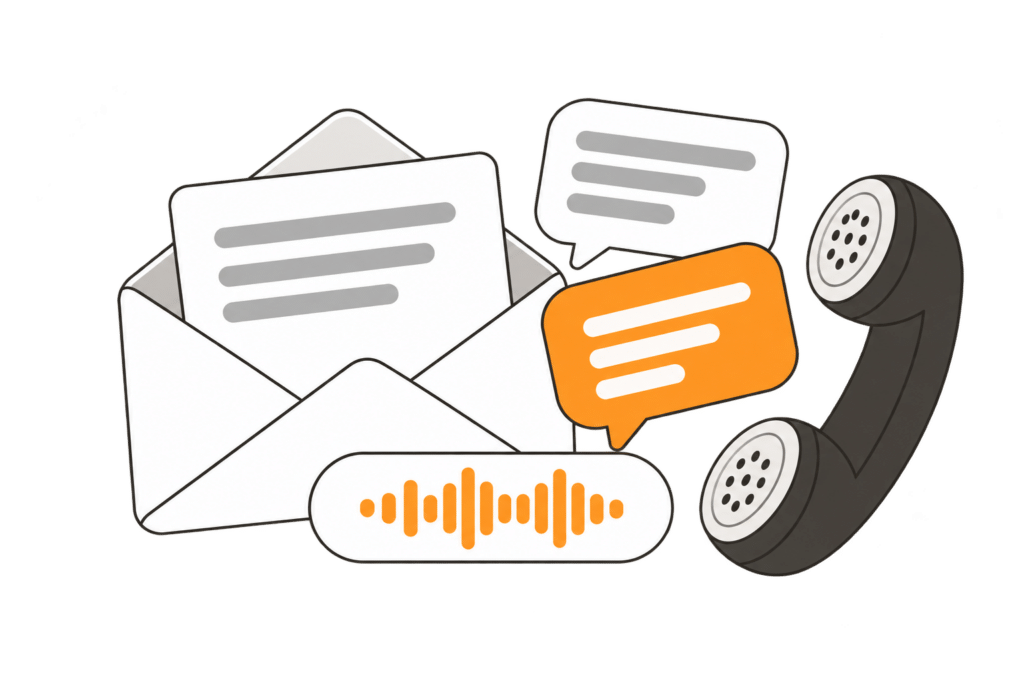
Keep everyday communication moving
Draft customer messages using available customer and order details. Call transcription and spam filtering help your team review conversations and manage follow-up work.
- Draft customer emails and text messages.
- Review phone conversations with AI call transcription.
- Flag unwanted inquiries with spam filtering.

Help customers explore rental options
With the customer-facing website AI integration enabled and configured, external AI assistants can help customers explore rentals and request quotes. This capability is separate from your team’s InflatableOffice AI Assistant.
- Find rental items that match customer needs.
- Check item prices and availability.
- Request quotes through connected website tools.
Control what AI can do
Choose which supported tools AI can access and review its work before relying on it. Worker permissions still apply, and the stricter access limit wins.
Set access limits
Choose None, Read, or Full for supported tools.
Review AI’s work
Check answers, edits, and customer-facing content; some actions require approval.
Undo supported changes
Revert eligible actions made through AI Chat, agents, and connected tools.
Why It Matters
for Your Business
- Save time on repetitive tasks
- Respond faster to customers
- Stay organized as your business grows
- Reduce manual work across your team
What Makes
Our AI Different
- Built specifically for bounce house & event rental companies
- Designed around real workflows (orders, inventory, delivery, contracts)
- Practical AI tools that fit into your daily operations
AI History & Investment
InflatableOffice has been integrating AI since March 2023, over 3 years of continuous AI development and refinement.
The platform has evolved through 10+ AI model generations, always staying on the cutting edge (currently using GPT-5.4 series models).
Model History Timeline
Mar 2023 – Sep 2023 | GPT-3.5 Turbo
Sep 2023 – Nov 2023 | GPT-4
Nov 2023 – Jan 2024 | GPT-4 Turbo Preview
Jan 2024 – May 2024 | GPT-4 Turbo
May 2024 – Jan 2025 | GPT-4o
Jan 2025 – Aug 2025 | o3-mini
Aug 2025 – Present | GPT-5 series (currently GPT-5.4)
Put AI to work in your rental business
Explore InflatableOffice’s AI tools and see how they fit your team’s daily work.